
Google Chrome v152.0.7977.65 - Fast, Secure & Modern Web Browser
Google Chrome is a free web browser developed by Google. It supports tabs, browser extensions, password management and optional Google Account...
Technical Specifications & System Requirements
Software notes
How Google Chrome Compares to Top Alternatives
Firefox uses the Gecko browser engine rather than Chromium.
A Chromium-based browser with Brave’s own privacy and blocking controls.
Google Chrome for Windows
Google Chrome is a free web browser developed by Google. It supports tabs, browser extensions, password management and optional Google Account synchronization. Chrome uses the Chromium browser engine, but the Google Chrome distribution is a separate product with its own license.
Get Chrome from Google
Use Google’s Chrome download page to obtain the current Windows installer. The version in this catalog may lag Google’s current release. Chrome can update automatically after installation; check the About Google Chrome screen to see your installed version and update status.
Install and configure
- Download the installer from Google for your Windows system.
- Run the installer and follow its prompts. Some installers need an internet connection to retrieve files.
- Choose your default-browser preference. Signing in to a Google Account is optional.
- Review synchronization, privacy and extension permissions before enabling them.
Compatibility
Google’s Chrome system requirements are the source for currently supported Windows versions and hardware. Do not infer support solely from an old installer’s availability.
Browser alternatives
Mozilla Firefox uses a different browser engine. Brave is a Chromium-based browser with its own privacy controls. IDM is a download manager, and the Windows Media Creation Tool creates installation media; neither replaces a web browser.
Download checks
If a checksum is listed here, compare it with your downloaded file. A checksum alone is not a malware scan or proof of publisher authenticity. Obtain installers from Google and review any available security report separately.
Key Highlights & Features
- V8 JavaScript Engine with Ultra-Fast Page Loading & Hardware Acceleration
- Seamless Multi-Device Google Account Synchronization
- Built-in Google Lens Image Search & Password Leak Warnings
- Chrome Web Store with Millions of Web Extensions
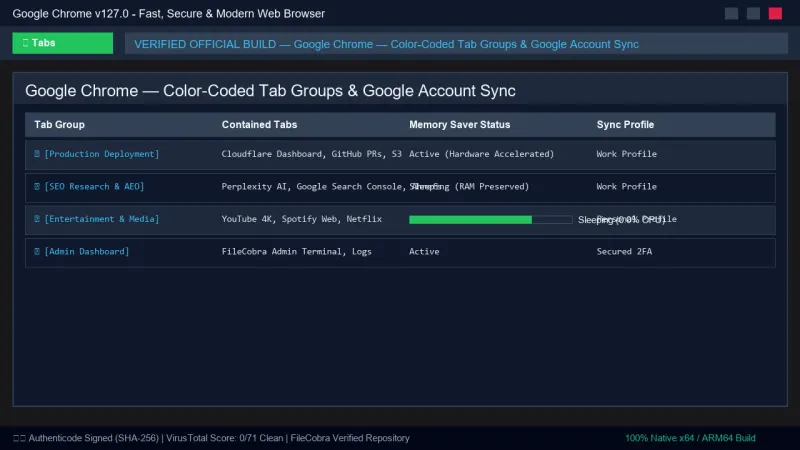
Google Chrome UI & Interface Screenshots
How to Install & Verify Google Chrome
Open Google’s Chrome download page and select the Windows installer for your system.
Run setup, follow the prompts and review default-browser and optional account-sync preferences.
Google Chrome Version History & Build Numbers
Every Google Chrome build FileCobra has mirrored, newest first. Match the build number against the copy you already have to confirm whether you are up to date.
- Enhanced Memory Saver mode to reclaim inactive tab RAM
- Updated WebGPU graphics engine
Related Windows PC Software & Alternatives






Frequently Asked Questions & Verification Guide
Do I need a Google Account to use Chrome?
No. Signing in is optional; account synchronization is an optional feature.
Where should I download Chrome?
Use Google’s official Chrome download page for the current installer.